

The Dashboard: your live metrics
What you'll learn
- Exactly what each card and chart measures
- Why a team member sees fewer blocks than the owner
The Dashboard is the first tab in the menu and the first thing you see when you log in. There's nothing to configure: it fills itself from whatever happens in your account. This lesson explains what each number means, because some are less obvious than they look.
The four cards at the top
Active conversations (compared with the previous 24 h), New contacts today (compared with yesterday), Open leads with how many stages they're spread across, and Messages sent today. Comparisons are against the previous period, so “no change” means the same as yesterday, not zero.
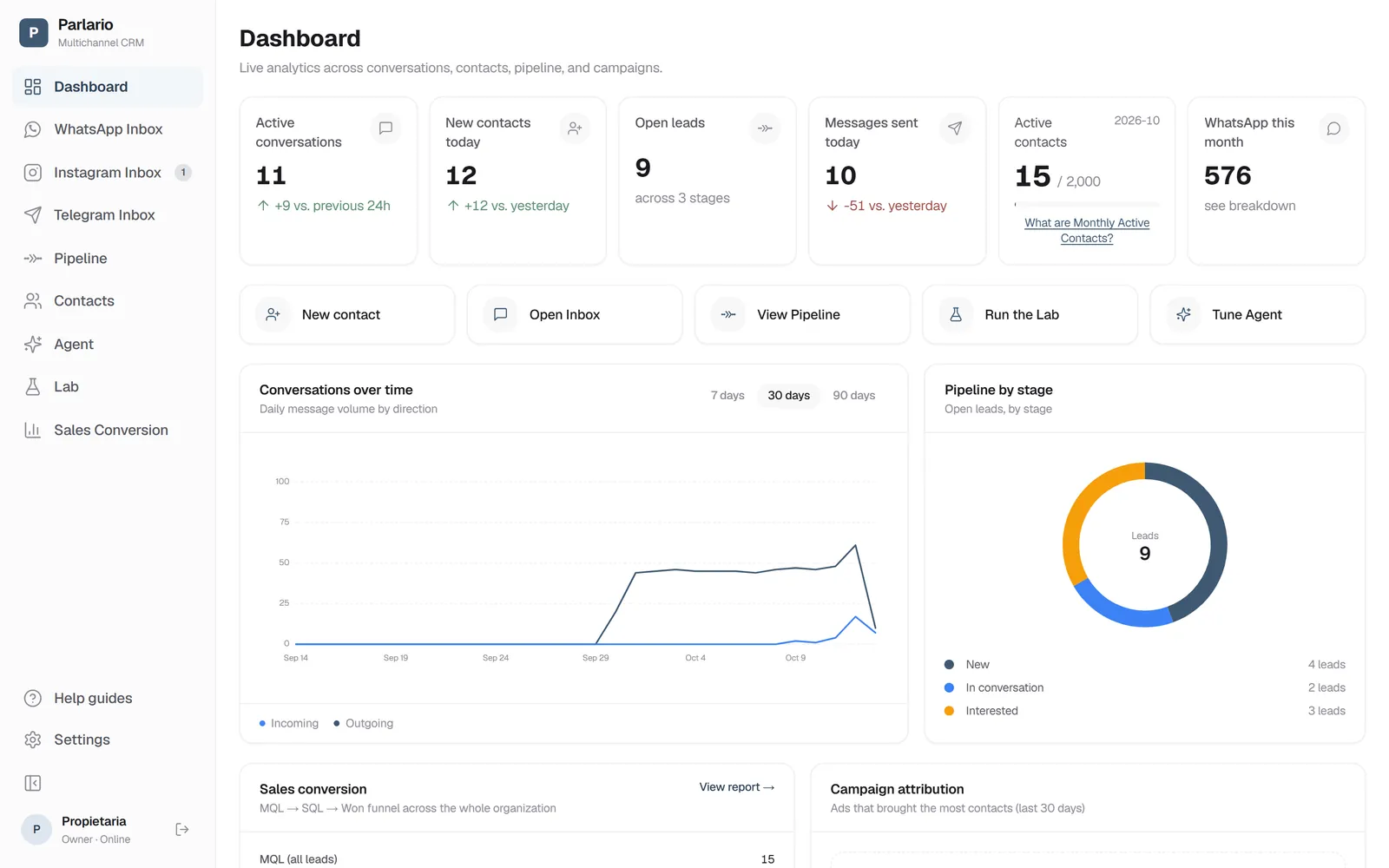
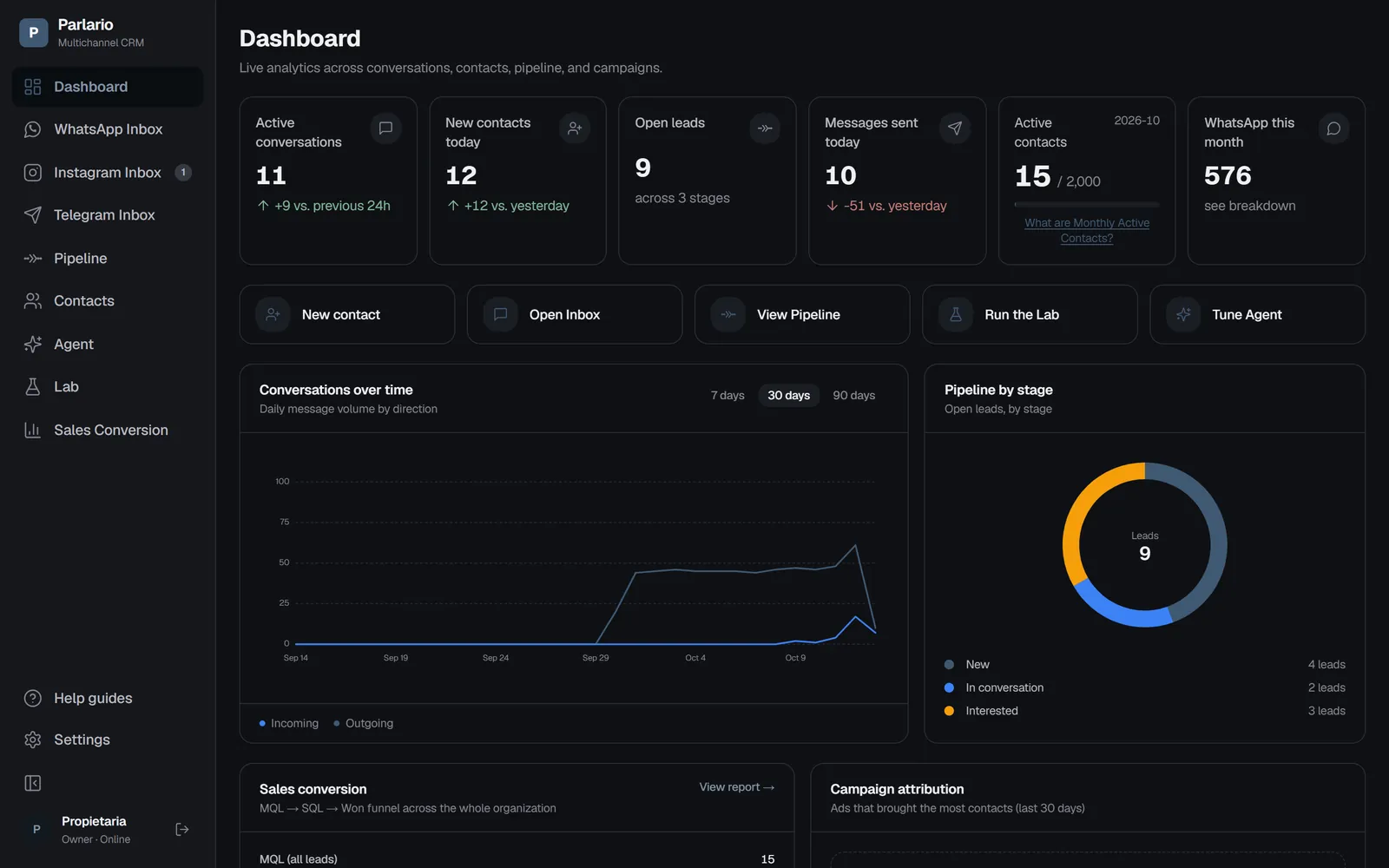
The Dashboard: the menu on the left and today's numbers at the top Quick actions
Shortcuts to what gets used most: create a contact, open the Inbox, view the Pipeline, run the Lab, tune the Agent or open Contacts. It's only a shortcut — the same things live in the left menu.
Conversations over time
Daily message volume split into incoming (people writing to you) and outgoing (anything leaving your account, whether a person or the Agent sent it). Useful for seeing which days and hours people actually write.
Pipeline by stage
How many open leads sit in each stage. Same information as the Pipeline, summarised: if one stage swells, that's where the sale is getting stuck.
First response time
How many minutes you take to answer a customer's first message, averaged by weekday. Only the account owner sees this, because it measures the team.
Conversion and campaigns
The organization-wide MQL → SQL → Won funnel and the ads that brought the most contacts in the last 30 days. Both need a Business or Advanced plan and owner access: as a member, or on Essential, those two blocks don't appear.
Recent activity
The latest events: who wrote to you, who you replied to, which contact came in and which lead moved stage. It's the pulse of the account when you come back after a while.
With several numbers
If someone on your team is limited to certain numbers (Settings → Team → Access by account), the Dashboard shows them the metrics for those numbers, and doesn't show them the Monthly Active Contacts counter: it's billed for the whole account, so a slice wouldn't be the figure you pay for. The owner still sees the whole account. The full details are in Several numbers and accounts.
Recap
- The Dashboard needs no setup: it fills itself from usage
- First response time is owner-only
- Conversion and campaigns need a Business or Advanced plan
To unmark the lesson, select the button again.
Questions? Visit our support portal: support.parlario.co