

The sales Pipeline
What you'll learn
- How your leads get organized by stage
- Who can create, reorder, or delete stages
Every new contact enters the Pipeline on its own
Anyone who messages you for the first time is added automatically, with nothing for you to do. The default stages are New → In conversation → Interested → Customer / Lost.
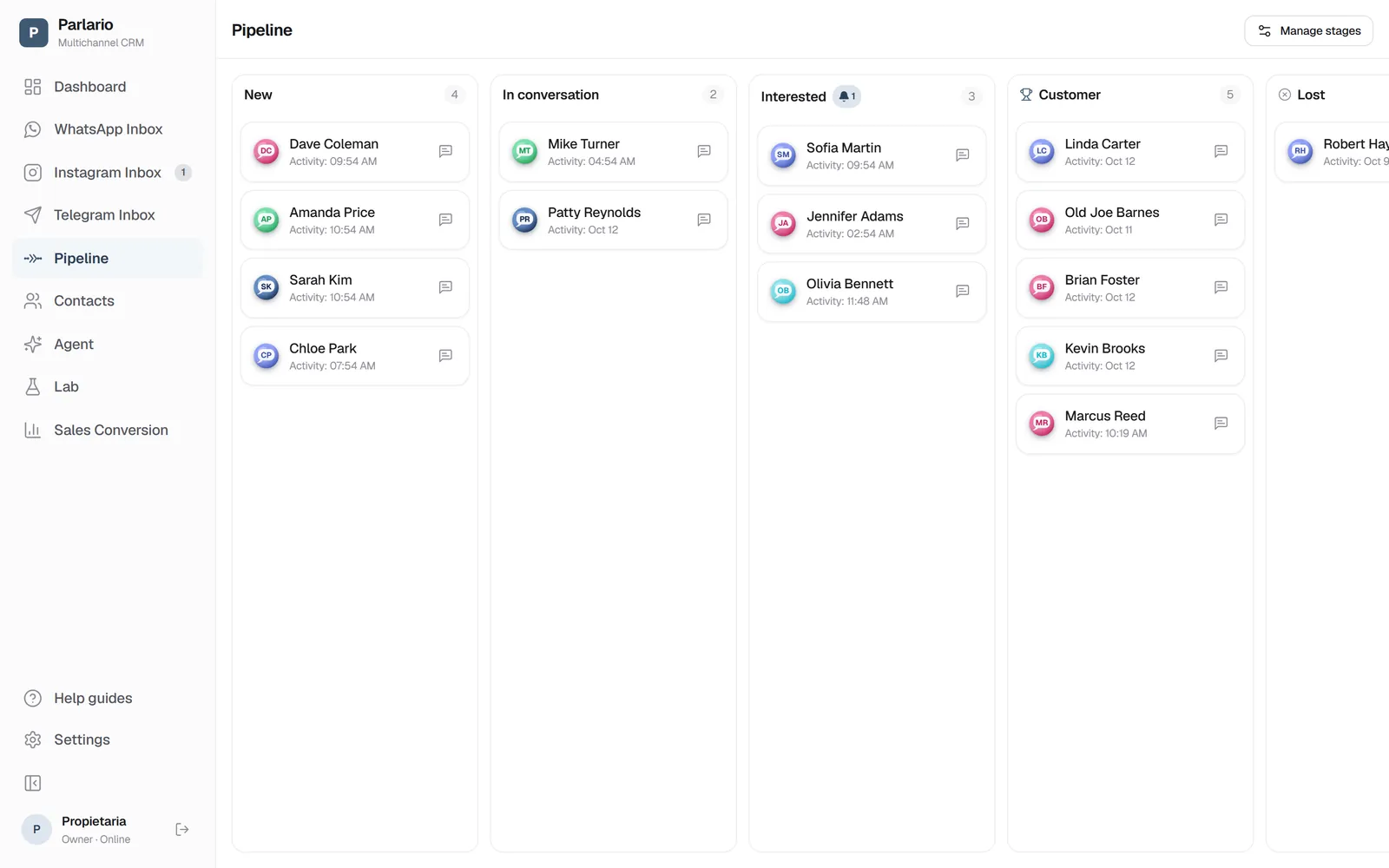
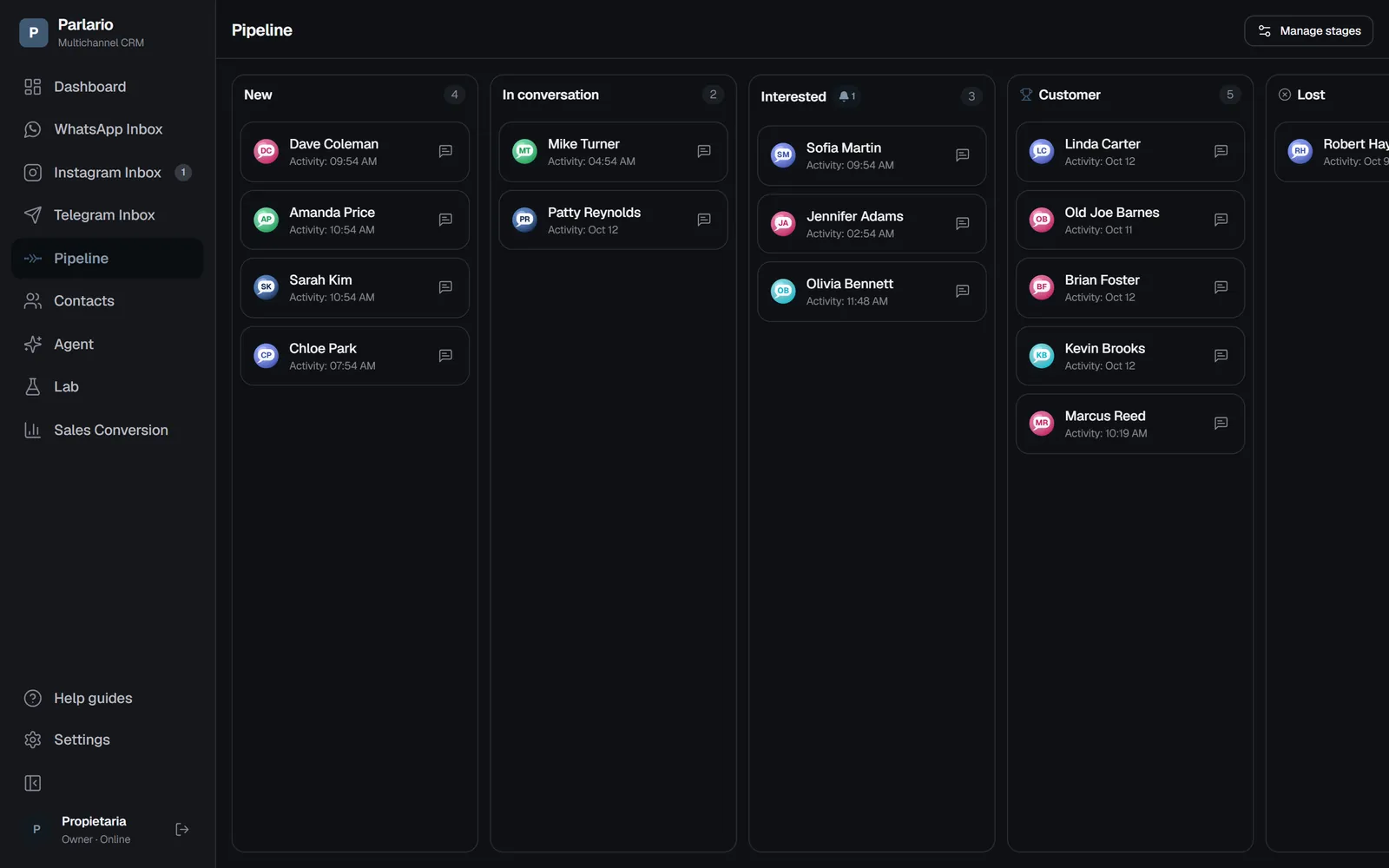
The Pipeline: one column per stage Drag cards between stages
As your conversation with each contact progresses — by hand, or your AI Agent does it on its own if you configured that in its instructions.
Manage stages (owner only)
From "Manage stages" you can create new stages, reorder them, or delete them — if a stage has cards in it, Parlario asks where to move them before deleting it. This action is exclusive to the account Owner; team members can only move leads between already-existing stages.
With several numbers
A customer who wrote to two of your numbers has one card in the Pipeline: it's one person. A member limited to certain numbers only sees the cards of contacts who wrote to those numbers. The full details are in Several numbers and accounts.
Recap
- A lead whose stage is "Won"-type counts as a conversion — this also triggers the ROAS report to Meta if you've set it up (a later lesson)
- Creating, reordering, and deleting stages is an owner-only action
To unmark the lesson, select the button again.
Questions? Visit our support portal: support.parlario.co