

Test your agent in the Lab
What you'll learn
- How to run an evaluation with 6 simulated customers
- How to read a run's verdict and score
- How to fix a finding without leaving the report
Go to Lab and run an evaluation
Click "Run evaluation." It's the feature that sets us apart the most — test your agent here before it talks to a real customer.
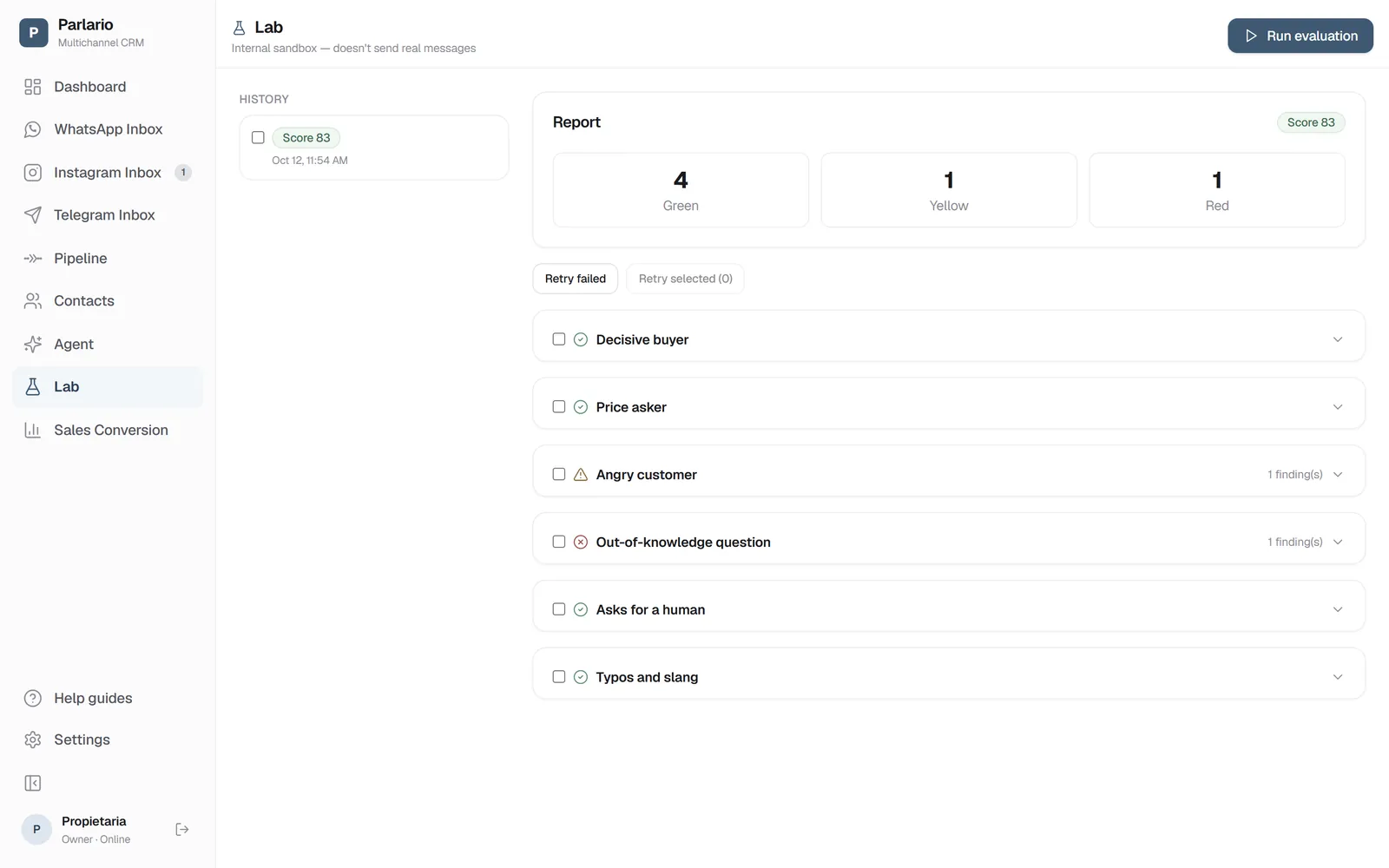
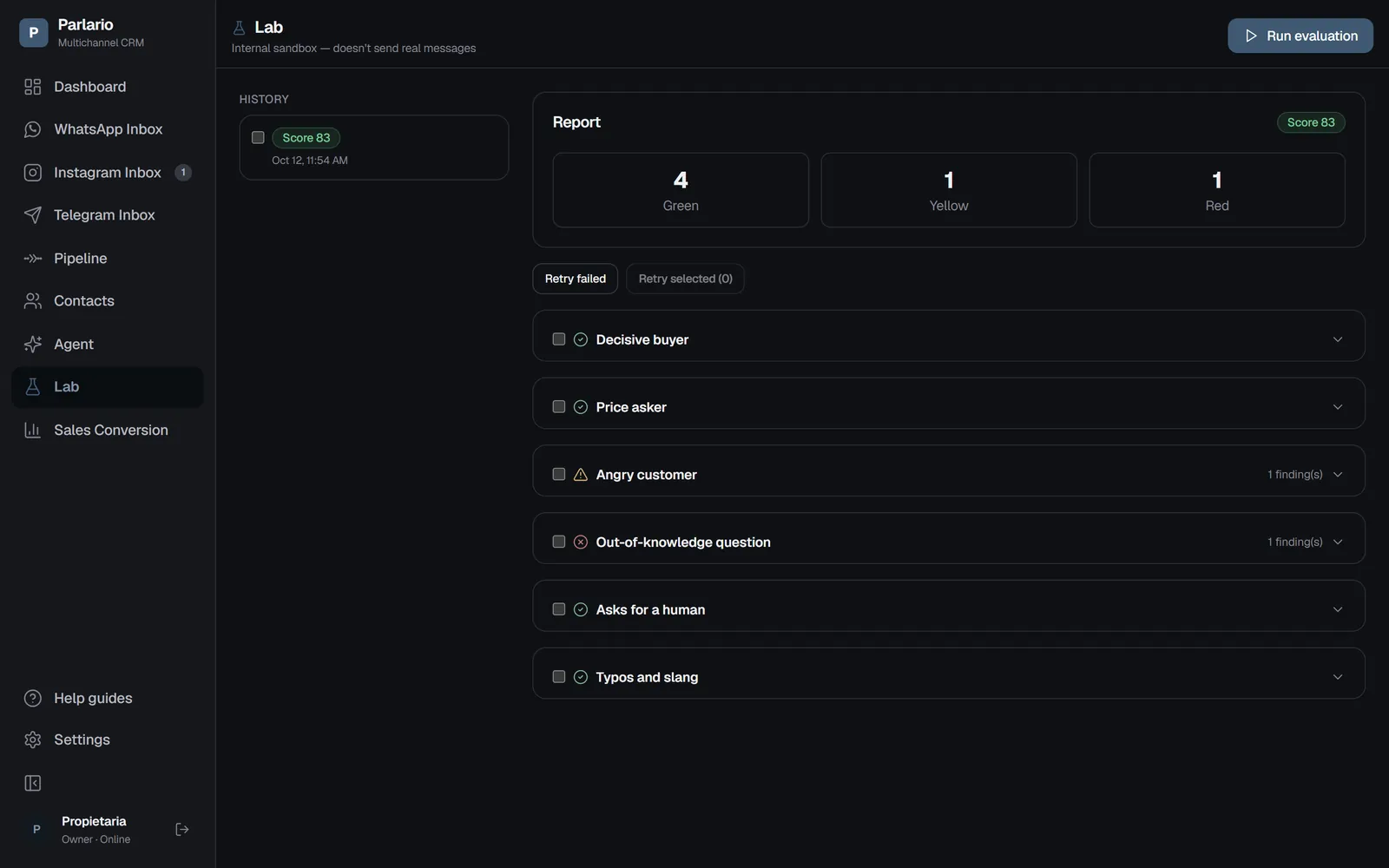
The Lab: the report with the score and each simulated customer Six simulated customers talk to your real agent
Inside an internal sandbox that never sends real WhatsApp messages: Decisive buyer, Price asker, Angry customer, Out-of-knowledge question, Asks for a human, and Typos and slang.
An AI judge evaluates every conversation
It gives each one a verdict — 🟢 green, 🟡 yellow, or 🔴 red — plus a score from 0 to 100 for the whole run.
Fix findings directly from the report
For each finding (for example, a question outside your knowledge base), click "Add to knowledge" to fill in that information without going to Agent → Knowledge base.
Re-run and compare
Your full run history is saved. You don't always need to re-run all 6 personas: use "Retry failed" (only picks the ones that got red or no verdict) or check specific personas and use "Retry selected."
Exercise
Recap
- The 6 simulated personas are fixed today — they can't be customized yet
- The Lab never sends real messages — use it as many times as you want, included in your subscription
- A common mistake: Instructions and Escalation rules contradicting each other for the same case — check them if a finding keeps repeating
To unmark the lesson, select the button again.
Questions? Visit our support portal: support.parlario.co