

Subscribe and create your account
What you'll learn
- The difference between the Essential, Business, and Advanced plans
- How payment works with Stripe (and why Parlario never sees your card)
- How to finish registering after paying
- What Monthly Active Contacts are, and how to expand your allowance if you need to
This is the only step that takes you outside Parlario — the rest of the setup happens entirely inside the app.
Go to the pricing page
Go to parlario.co/pricing.
Choose your plan and billing cycle
Essential (2 seats), Business (5 seats), or Advanced (10 seats) — depending on how many people on your team will use Parlario — and monthly or annual (get 2 months free for paying the full year upfront). All three plans include the Core CRM (Inbox, AI Agent with spoken replies, Pipeline, Lab). Business and Advanced add the Growth Suite: Meta Ads (ROAS) with campaign attribution and purchase reporting, Google Calendar appointment booking, automated WhatsApp reminders, contact export to CSV, the sales conversion report by salesperson, and public API access. Essential includes a 14-day free trial: subscribing asks for a card, but you won't be charged until day 14. Business and Advanced are charged immediately, with no trial.
Every plan also includes a Monthly Active Contacts allowance: Essential 1,000, Business 2,000, Advanced 5,000. A contact counts if you messaged them or they messaged you at least once that month, on WhatsApp or Instagram — Lab test conversations never count. You can check how much you've used any time from Settings → Subscription. If your business grows and you need more room, you don't need to change plans: from that same screen the organization owner can add a top-up of +1,000 (USD 69/month), +2,000 (USD 119/month), or +5,000 (USD 249/month) extra active contacts, whenever you need it. On an annual plan the packs are billed by the year too — USD 690, 1,190 and 2,490 — with the same 2 months free as your plan.
Pay with Stripe
Click "Subscribe" (or "Try 14 days for free" on Essential). This takes you to Stripe's secure checkout page. You'll never enter your card details directly into Parlario — Stripe receives them directly, and Parlario never sees or stores them.
Finish registering
After paying, you're automatically brought back to Parlario: enter your name and choose a password. Your email is already confirmed — it's the same one you used to pay.
Accept the terms
Check the box agreeing to the Privacy Policy and Terms and Conditions — it's required to create your account.
Done
You're taken straight into your new account, in the Inbox.
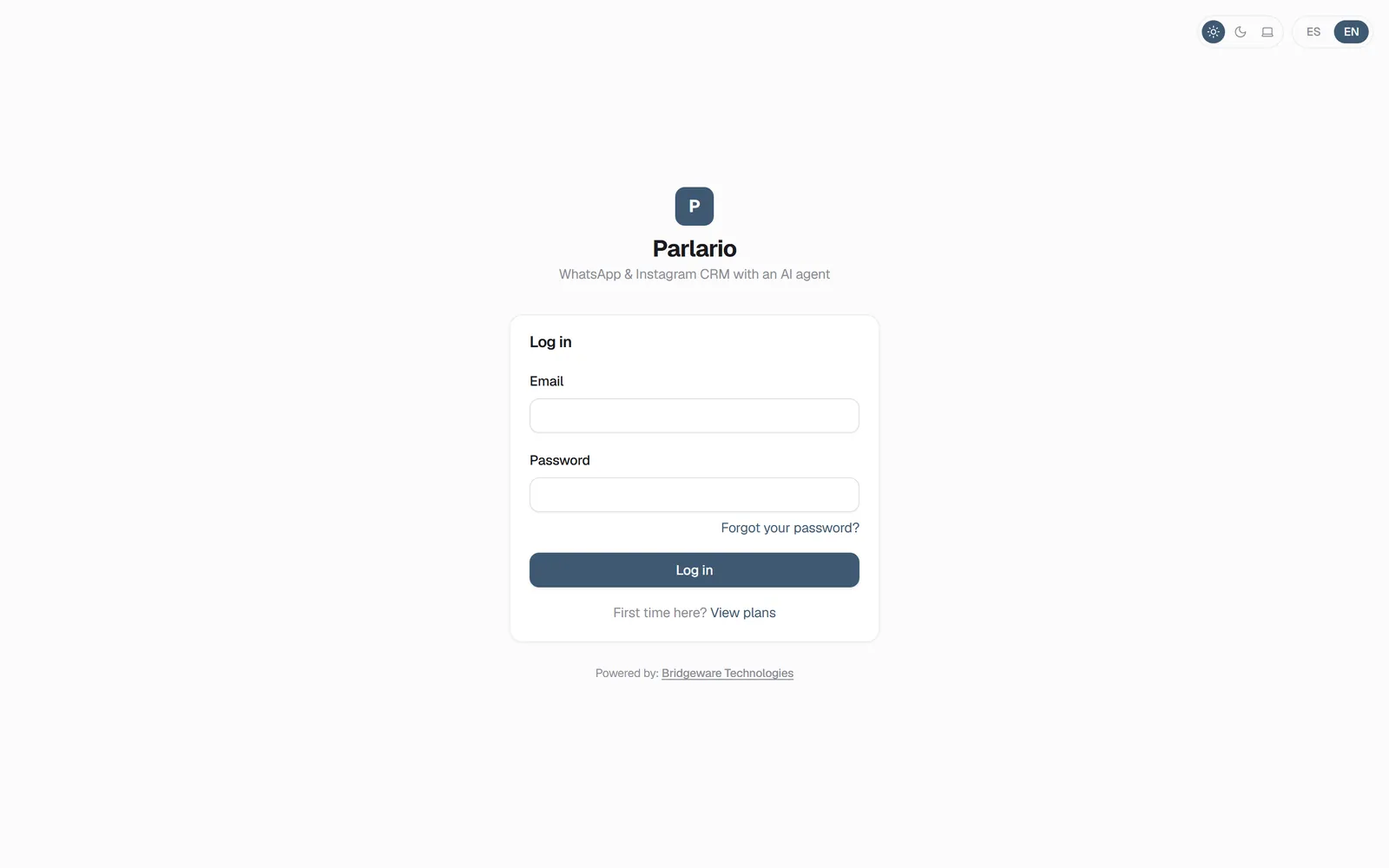
The Parlario sign-in screen
Exercise
Recap
- The 14-day free trial is exclusive to the Essential plan
- The Growth Suite (Meta Ads, Calendar, reminders, CSV export, salesperson reports, and public API access) is exclusive to Business and Advanced — the Core CRM is the same across all 3 plans
- You can change plans, update your card, or cancel yourself from Settings → Billing → Subscription once you're in
- A Monthly Active Contact is anyone you exchanged at least one message with that month — Lab test conversations never count
- Only the organization owner can buy or cancel an active-contacts add-on, from Settings → Subscription — going over your allowance never blocks the service, it just offers to expand it
To unmark the lesson, select the button again.
Questions? Visit our support portal: support.parlario.co