

Choose the interface language
What you'll learn
- How to change the language you see Parlario in
- Why this doesn't affect the language your agent uses to reply to customers
That wraps up the initial setup — you now have your account created, your WhatsApp connected, your branding customized, your team added, and your language chosen. Move on to the next lesson to set up your AI Agent.
Go to Settings → Language
In the left menu.
Choose your language
English or Español.
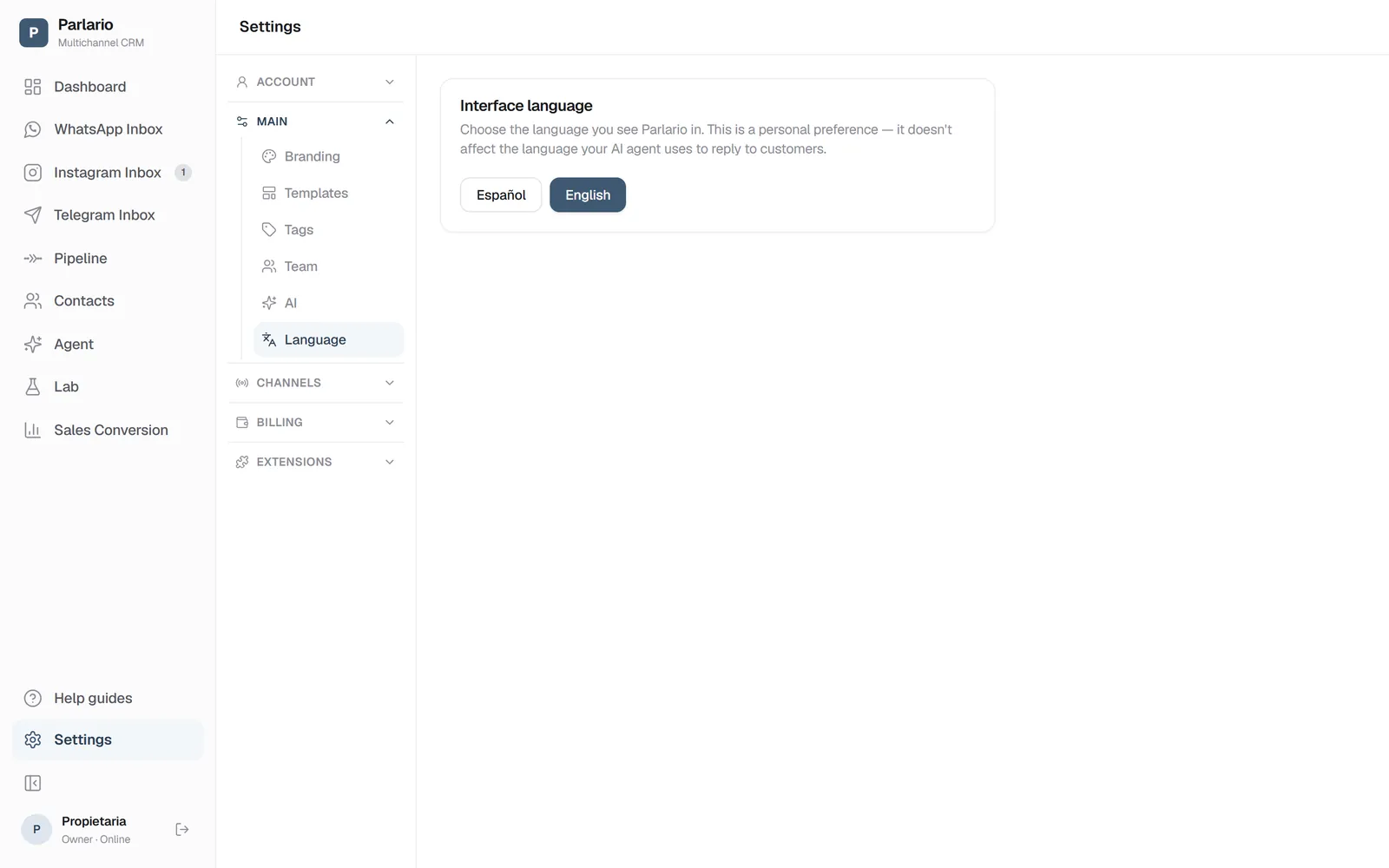
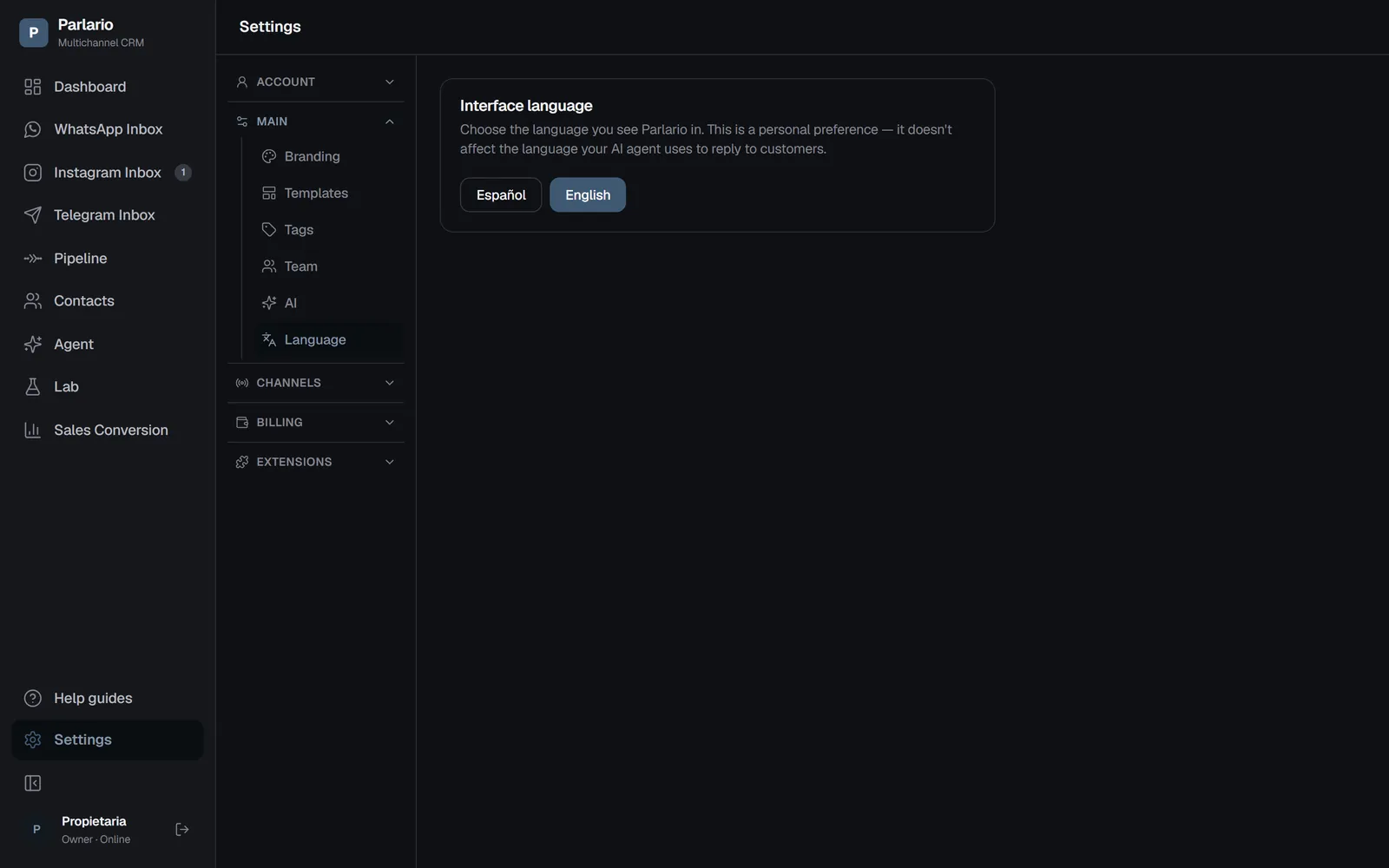
Settings → Language
Recap
- This is a personal preference — each person on your team can choose their own language
- It doesn't affect the language your AI agent uses to reply to customers on WhatsApp or Instagram — that's configured separately, in the Agent
To unmark the lesson, select the button again.
Questions? Visit our support portal: support.parlario.co